Required and recommended plugins
After activating our theme, you’ll see a notice listing the required and recommended plugins. Installing them is easy!
Go to Appearance → Install Plugins, select the plugins you need, choose Install, and then activate them.
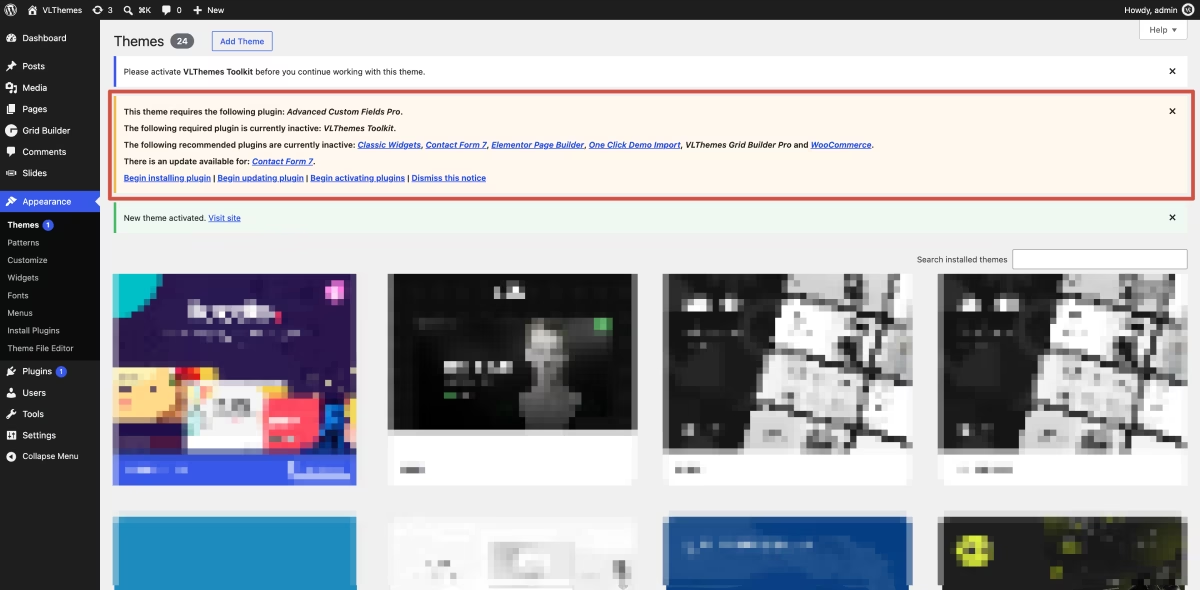
Premium plugins bundled with our themes can be installed the same way. You don’t need to purchase a separate license to use the bundled versions included with your theme. For details about licensing, updates, and support, see Bundled Plugins in Our Themes: Updates, Licensing, and Support.
Plugin documentation
Our themes use popular plugins to provide additional features and customization options. If you’d like to learn more about them, check out their official documentation:
Need a hand getting started? The documentation above is a great place to begin!