Install
- In WordPress go to Plugins → Add New, search for “Forma Grid Gallery” and click Install Now, or upload the zip under Plugins → Add New → Upload Plugin.
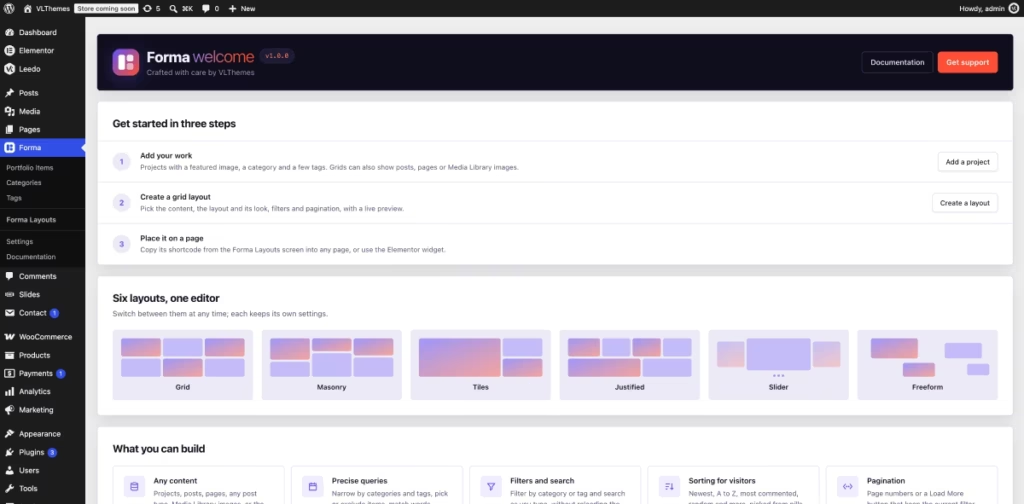
- Click Activate. The Welcome page opens with the first steps.
Requirements: WordPress 6.5 or newer, PHP 8.0 or newer.
Where to find it
Everything is under the Forma menu:
- With the portfolio on (the default): Portfolio items, Add New, Categories, Tags, Forma Layouts and Settings.
- With the portfolio off: Forma Layouts and Settings only.
On first use Forma adds one image to your Media Library, Forma placeholder. It stands in for items without an image; see Settings → Images.
Was this article helpful?
Thanks for your feedback!
