Export and import Slider Revolution sliders
Animated slides take time to build — export each slider to a zip file to keep a backup or move it to another site. Slider Revolution exports sliders one by one.
Export
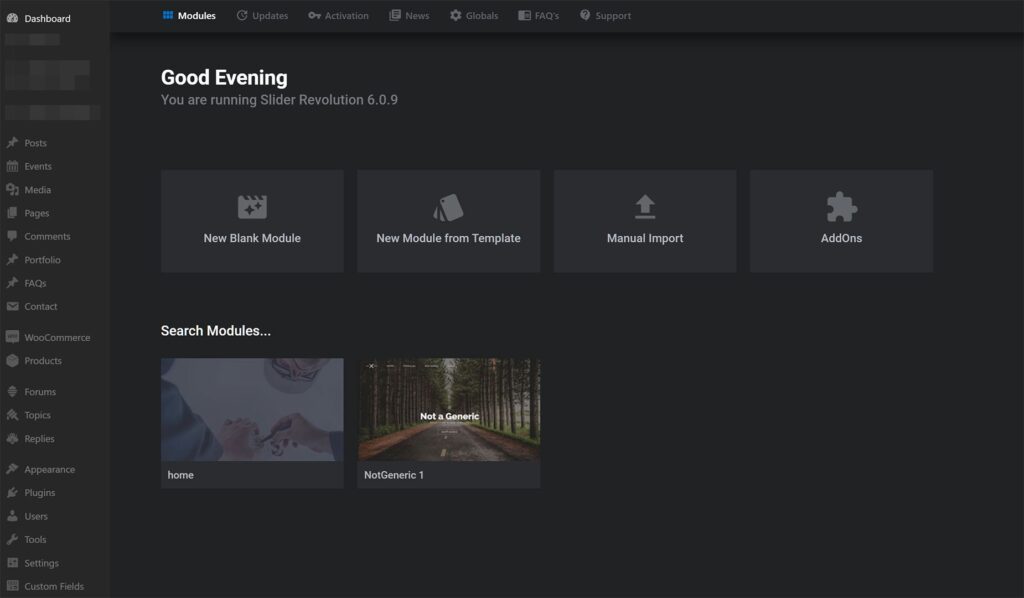
- Open Slider Revolution in the dashboard.
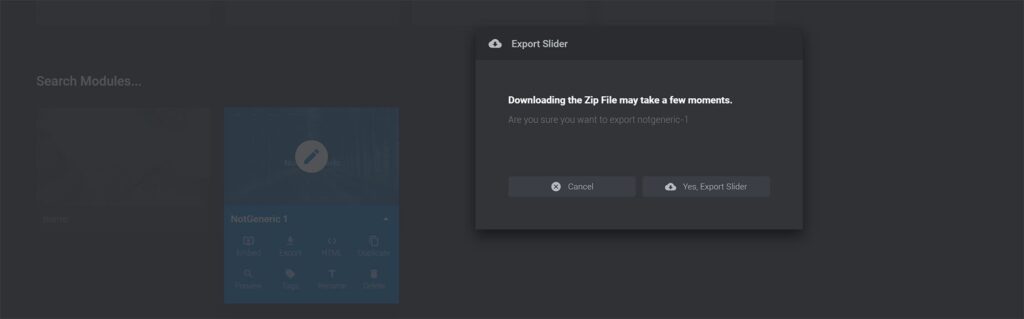
- Hover over the slider thumbnail and click the small arrow in the bottom right corner.
- Choose Export and confirm with Yes, Export Slider — the zip file downloads.
Import
- Open Slider Revolution and click Manual Import.
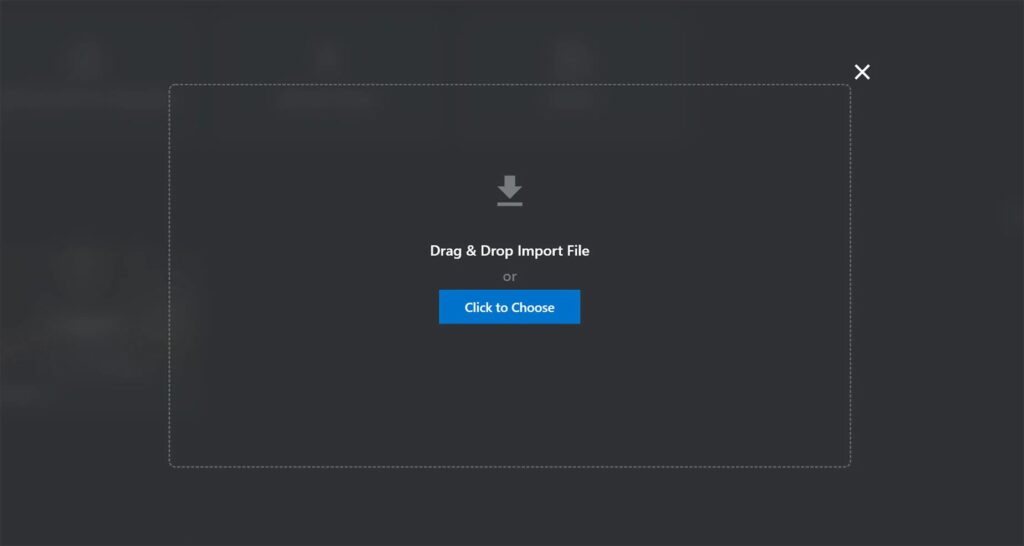
- Click Click to choose and select the slider zip.
- When the upload finishes, the slider appears in the list.

Was this article helpful?
Thanks for your feedback!
