Set up the menu
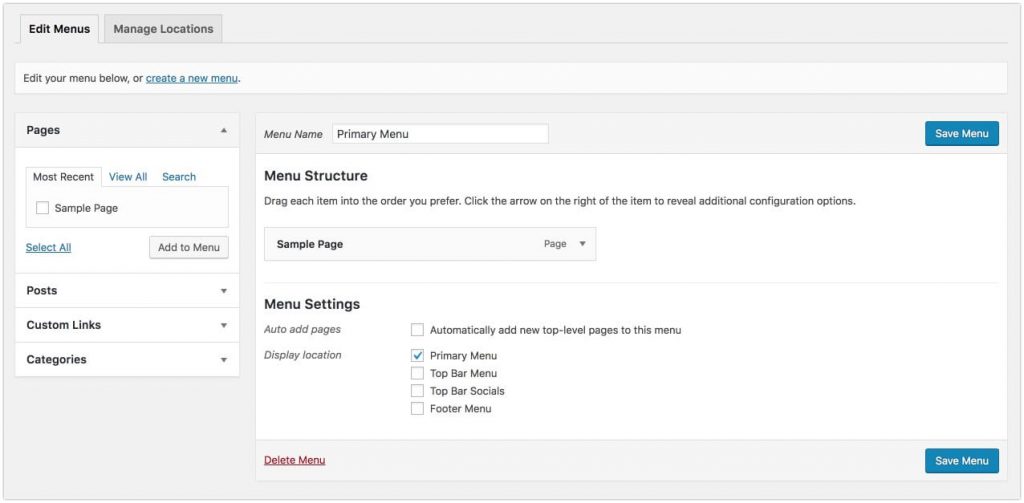
- Go to Appearance → Menus.
- Enter a menu name and click Create Menu.
- Add pages or custom links from the left column.
- Under Menu Settings, check the location where the menu should appear.
- Click Save Menu.
Was this article helpful?
Thanks for your feedback!
